
How do I request a replacement part?Updated 4 hours ago
If a part is missing or defective, you can request a free replacement through the CrunchLabs account portal. Follow the steps below to select the subscription, box, and part you need; you’ll receive tracking information once your request is fulfilled.
Go to the CrunchLabs account portal and sign in.
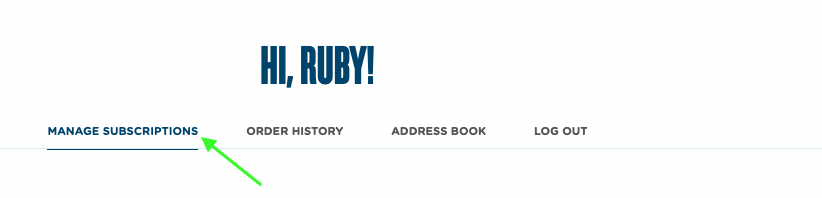
Select MANAGE SUBSCRIPTION.
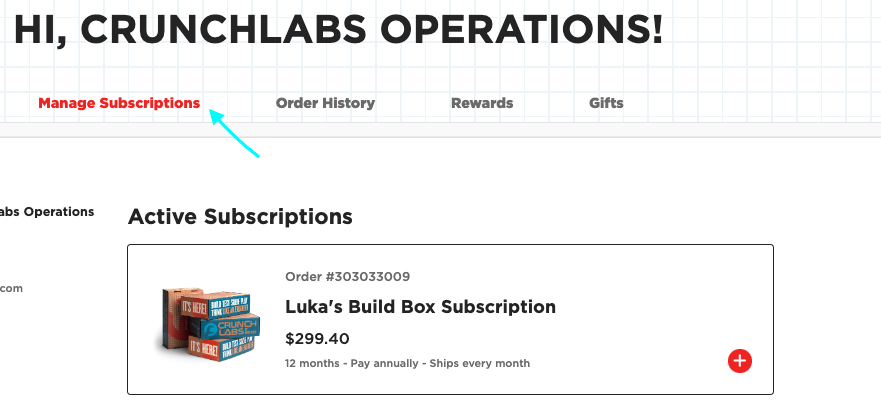
Select the subscription for the box that needs a replacement part.
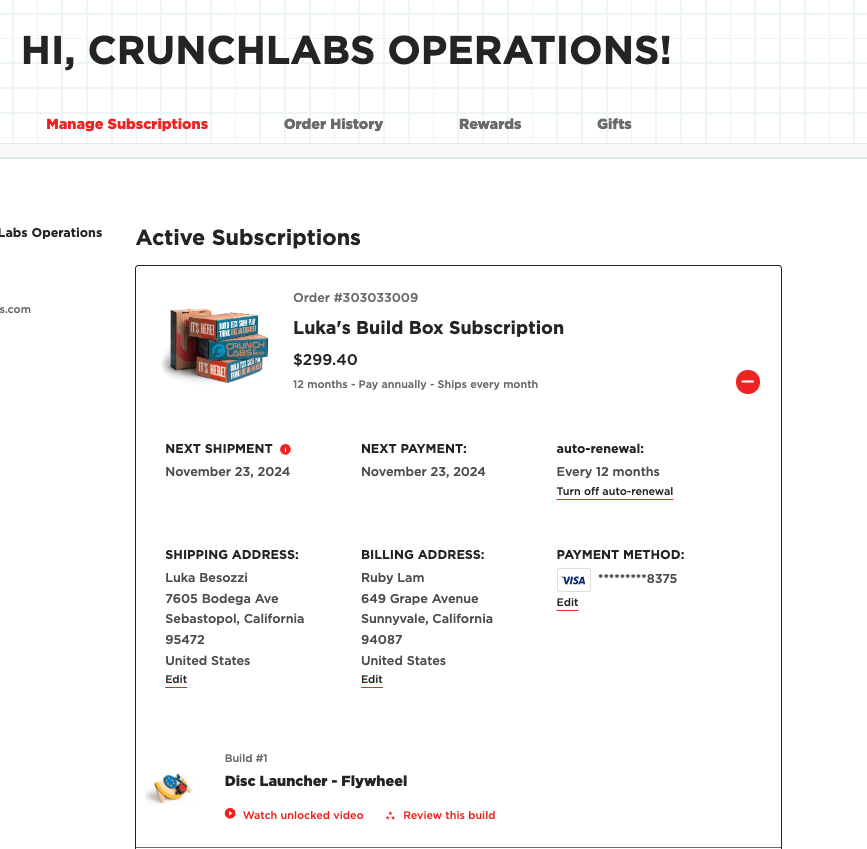
Select the box you need the part for.
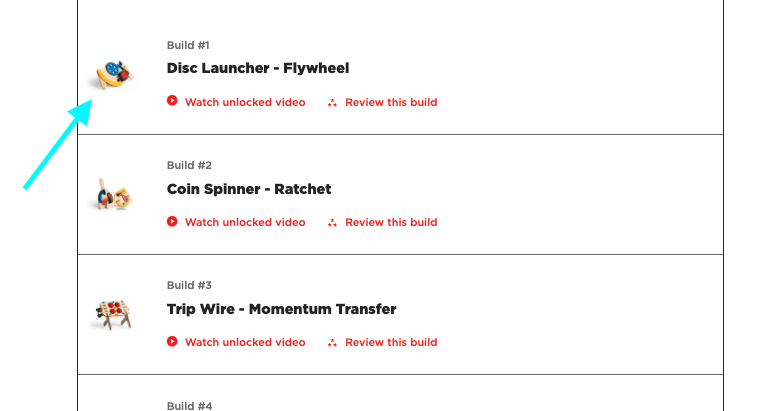
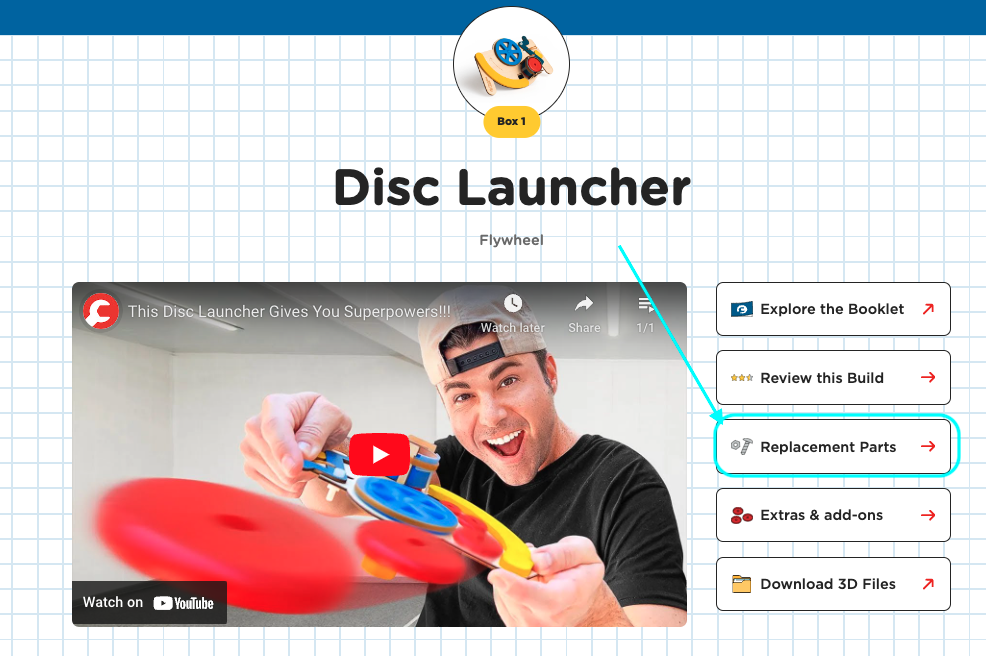
Select Replacement parts.
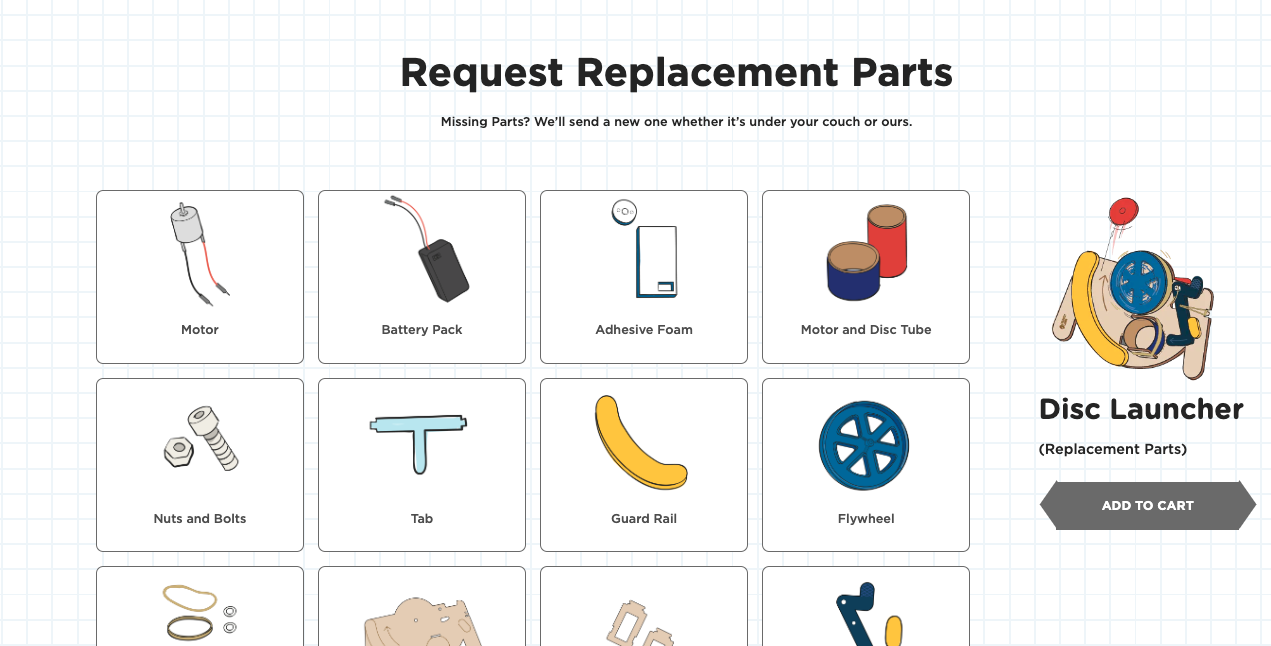
Select the part you need by clicking its image.
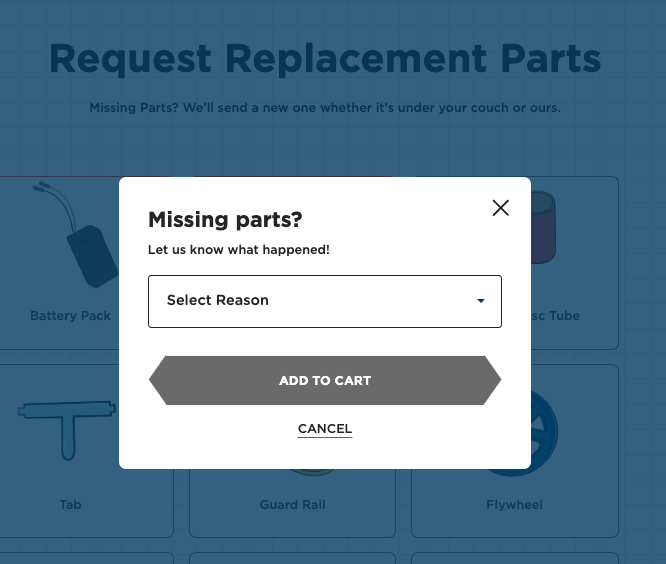
Select the reason for your request, then click ADD TO CART.
Complete the remaining checkout steps to submit your request.
After your request is fulfilled, you’ll receive a tracking number. If you have questions, contact [email protected].